logo
asset LAUNCH SPECIAL — AVAILABLE MARCH 27TH THROUGH MARCH 29TH ONLY asset
Use “MAGIC” To Create Edit, and Turn Any Photo Into a Professional AI Video - In Seconds!
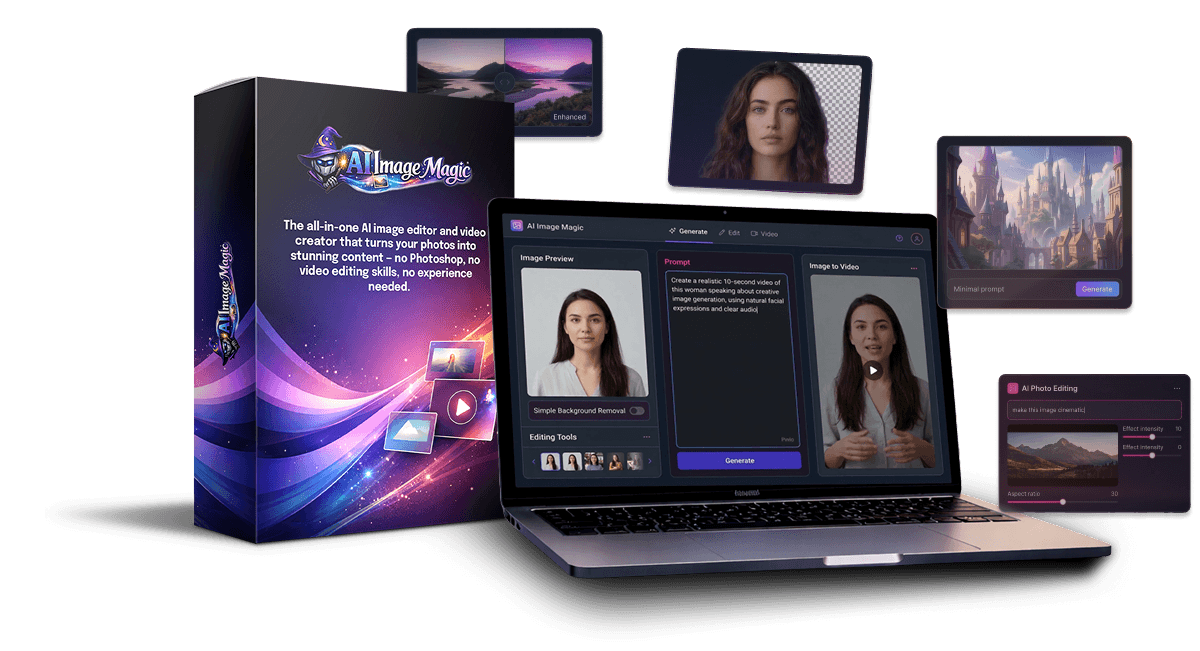
The all-in-one AI image editor and video creator that turns your photos into stunning content — no Photoshop, no video editing skills, no experience needed.
asset You want to create professional images but don't know Photoshop — and don't have time to learn it
asset You've seen AI image tools but they all only do one thing — create an image, OR edit an image, OR make a video, but never all of it
asset You're paying for multiple AI subscriptions just to get basic content created
asset You need videos for social media, ads, and promotions but hiring a video editor costs hundreds per project
asset You've tried AI image generators but the results look fake and don't match your vision
Introducing..
logo
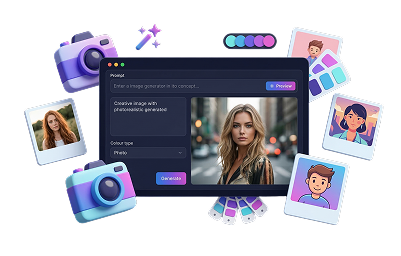
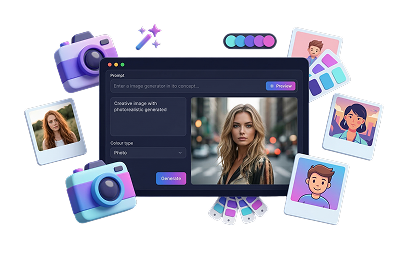
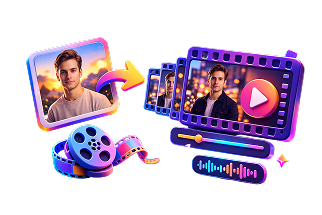
AI Image Magic is a complete AI content creation suite that lets you create images, edit photos with simple text prompts, and turn any image into a professional AI-generated video - all from one dashboard.
logo
Instead of juggling five different AI tools that each do one thing, you get everything in one place. Just tell the AI what you want in plain English and watch it happen.
asset
asset
AI Image Creation
Describe any image you want and the AI creates it from scratch.
Photorealistic, illustrated, cartoon - any style you can imagine.
asset
asset
AI Image Editing
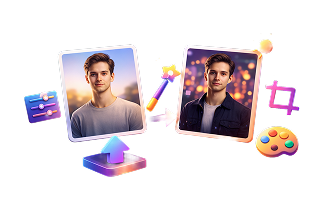
Upload any photo and edit it using text prompts. Change backgrounds, swap outfits, adjust lighting, add or remove objects. Make simple changes like "make the shirt red" or complex ones like "change the background to an ocean scene and make the shirt white" - multiple edits in a single prompt. No Photoshop required.
asset
asset
Image-to-Video Creation
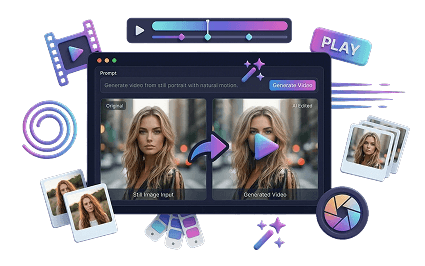
Turn any image into an AI-generated video with two powerful models. WAN is best for spoken text, testimonials, and talking-head style videos. Grok is best for action, effects, and dynamic sequences. Both create high-quality AI video from a single image.
asset
asset
Multi-Format Output
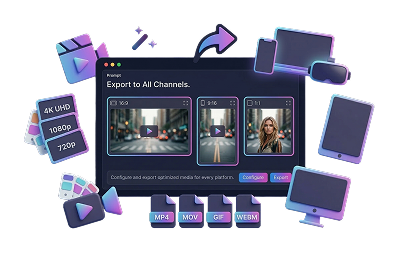
Create videos in 16:9 widescreen for desktop or 9:16 vertical for mobile and social media. Your content, your format.
It's Ridiculously Simple
asset asset
Upload any image - or create a new one from scratch with AI.
asset asset
Tell the AI what you want to change. Simple edits like "make the shirt red" or complex ones like "put me on a beach in a suit" - it handles both. You can even combine multiple changes in a single prompt.
asset asset
Click one button and turn that image into a professional AI video - complete with motion, effects, and even spoken audio.
That's it. No editing software. No design skills. No learning curve. You type what you want and the AI does it.
Example: Background Swap
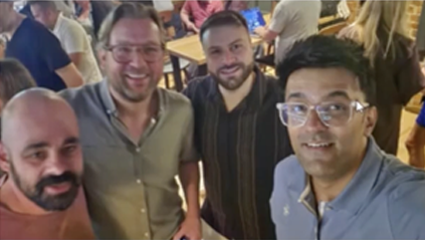
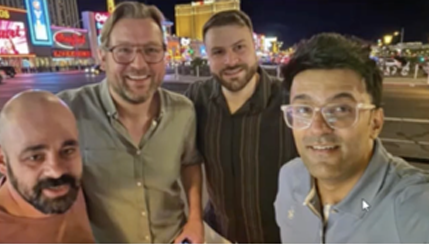
A group photo taken at a bar was transformed into a Las Vegas scene. Same faces, same people, completely different location. Photorealistic. You'd never know it was AI. The kind of edit that would normally require a Photoshop professional with years of training.
asset
asset
asset
asset
asset
Example: Full Transformation + Video
A regular selfie was turned into a full 1990s rock star transformation — outfit, attitude, the works. Then that image was converted into an AI video with fireworks, spinning, and audio. All from one photo and a few words.
asset
asset
asset
asset
Example: Visualize Before You Spend
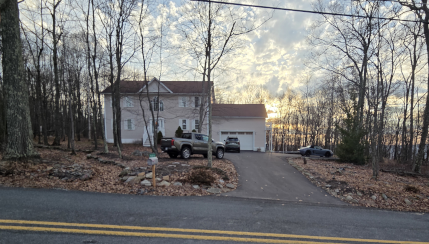
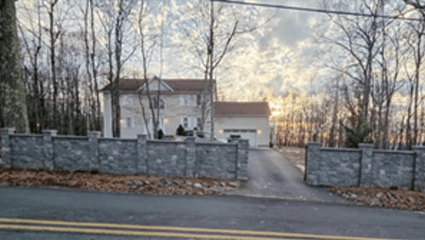
An actual homeowner used AI Image Magic to visualize home improvements before spending $20,000. The first idea — a privacy fence — looked terrible. Thank God they checked with AI first instead of paying to have it built. The second idea — a stone wall — looked great. AI Image Magic saved thousands in potential renovation mistakes.
asset
asset
asset
asset
asset
Example: Create branded product shots
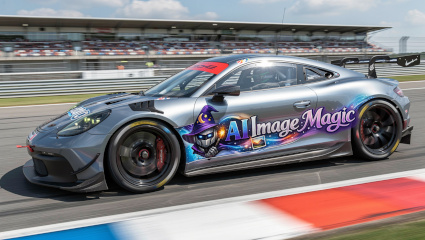
Transform any logo or product image into stunning, scroll-stopping scenes and high-impact branded visuals—then instantly bring them to life as dynamic videos that captivate and convert.
asset
asset
asset
asset
asset
But It Doesn’t Stop At Images — Watch What Happens When You Click “Video”
Every image you create or edit can be turned into an AI video with one click. Here’s what that looks like.
Video Example: The Rock Star
Remember that 1990s rock star image? It didn’t stop there. With one click, that still image was turned into a full AI video — spinning around, fireworks going off in the background, pointing at the camera and gets them ready to rock! Complete with sound. From a single photo. Using the Grok video model, which specializes in action, effects, and dynamic movement.
Video Example: Talking Head & Testimonials
The WAN video model is built for a completely different use case — spoken text, testimonials, and talking-head style content. Take any image of a person and have them say whatever you want. This is perfect for social media posts, ads, customers / clients and more!
Video Example: Instant branded posts
Take a business logo, tell the AI to put it on a t-shirt, race car, rocket ship, airplane, whever you can think of. This is the kind of thing businesses pay hundreds of dollars for.
The GROK video model lets you choose between 16:9 widescreen for desktop and YouTube, or 9:16 vertical for TikTok, Instagram Reels, and mobile. Your content, your format.
asset
Use It For Anything
asset
Social Media Content
Create scroll-stopping images and videos for any platform in minutes
asset
Local Business Marketing
Create branded video ads for local businesses and offer it as a paid service
asset
Product Marketing
Place products in any setting, show them in action, create video demos
asset
Visualize Before You Buy
See home improvements, renovations, or design changes before spending a dime
asset
Just Have Fun
Turn yourself into a superhero, a rock star, or drop yourself on a beach in Hawaii
asset
Sell As A Service
Offer AI image editing and video creation to clients and charge per project
The limit really is your imagination.
Take a bakery's logo, tell the AI to make a new image of a man wearing a t-shirt with that logo on it, then turn it into a video of him saying "Hey, stop down at Frank's Bakery -we've got the best bread in town." There's a social media post right there
Why AI Image Magic Is Different
There are hundreds of AI tools on the market. Most of them do one thing. There's an AI cartoon creator. An AI baby maker. An AI headshot generator. An AI video clip tool. If you want to do everything, you're signing up for five different subscriptions and learning five different interfaces.
asset asset asset
AI Image Magic is the full suite. Image creation, image editing, and video generation — all in one dashboard. This is what would normally require a Photoshop professional with years of training. Now you just type what you want.
  • All-in-one system — no juggling multiple tools or subscriptions
  • Works with uploaded photos OR AI-generated images
  • Simple and complex edits in a single prompt
  • Multiple edits at once — change the shirt AND the background in one command
  • Two video models to choose from (WAN for speech, Grok for effects)
  • Widescreen and vertical video output
  • Photorealistic results that don't look like obvious AI
  • No design skills, no video editing experience, no learning curve
Get AI Image Magic Now
asset
$19
One-time payment
asset Full access to AI Image Magic
asset AI image creation
asset AI image editing with text prompts
asset Image-to-video with WAN & Grok
asset Widescreen & vertical video
Get AI Image Magic Now
Instant Access, Launch Pricing Only
asset
asset
asset
14-Day Money-Back Guarantee
Try AI Image Magic risk-free. If you're not completely satisfied within 14 days, contact us and we'll refund every penny. No hoops, no hassles.
asset
Frequently Asked Questions
Do I need any design or video editing experience?
Not at all. You edit images and create videos by typing what you want in plain English. If you can describe it, the AI can do it.
How does the credit system work?
Different actions use different amounts of credits. For example, creating a video uses more credits than editing an image. We handle all the AI processing costs — your credits cover the usage.
Can I use my own photos?
Yes. You can upload any image and edit it with AI — your personal photos, product images, screenshots, anything. You can also create brand new images from scratch.
What are the two video models?
WAN is best for spoken text, testimonials, and talking-head style videos. Grok is best for action, effects, and dynamic content. Both create high-quality AI video from a single image.
How many credits do I get??
150 credits are included with your purchase. This is enough for up to 30 videos or 150 image edits. Additional credits can be purchased as needed.
What if I'm not happy with it?
You're covered by our 14-day money-back guarantee*. If it's not for you, we'll refund you in full*.